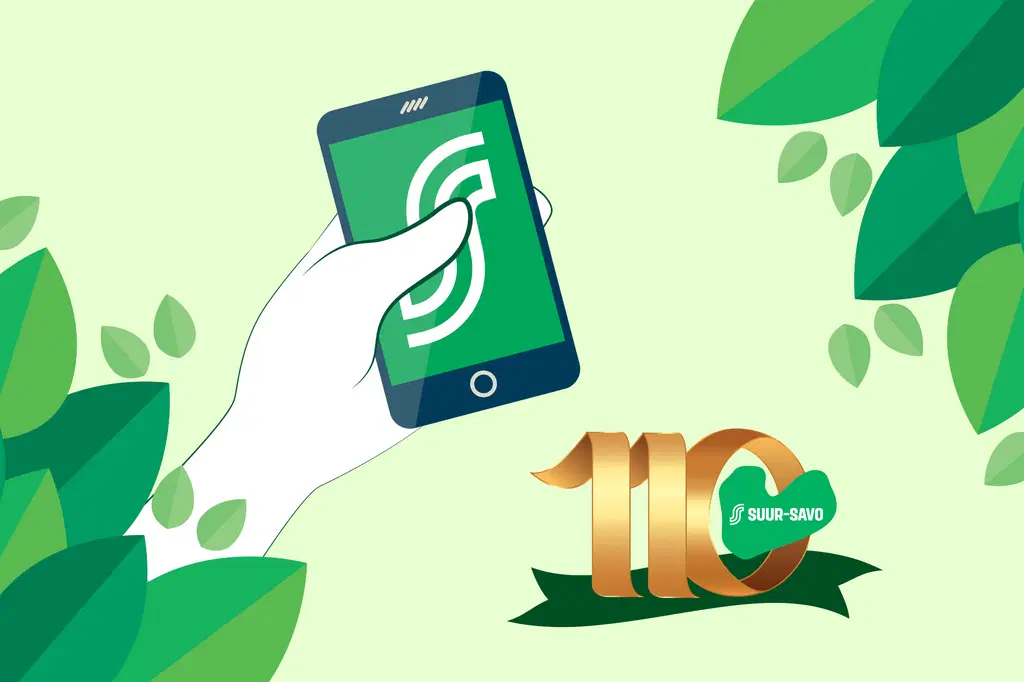
Download the S-mobiili app during 2026, and as a co-op member of Co-operative Suur-Savo, you will receive great mobile coupons in S-mobiili as a new user benefits.
Monthly Benefits in S-mobiili
Which offers should you enjoy today? S-mobiili is full of great local benefits just for you.
Download S-mobiili from your phone’s app store (Android: Google Play, iPhone: App Store).
To log in for the first time, you’ll need your S-Bank or another bank’s online banking credentials, and you must be a co-op member or part of a co-op member household.
When setting up S-mobiili, a text message verification is required so that the app can also access the bank’s services. For this, your customer information must include a phone number to which the SMS verification can be sent. You can add the number to your customer information either in S-pankki’s online banking or at your nearest S-pankki customer service point.When you log in for the first time, you’ll gain access to S-Mobiili authentication, which allows you to log in using your fingerprint, a PIN of your choice, or Face ID on iOS devices equipped with facial recognition.Detailed instructions for setting up S-Mobiili:
a) Setting up S-mobiili with S-pankki credentials
b) Setting up S-mobiili with credentials from a bank other thank S-Pankki